
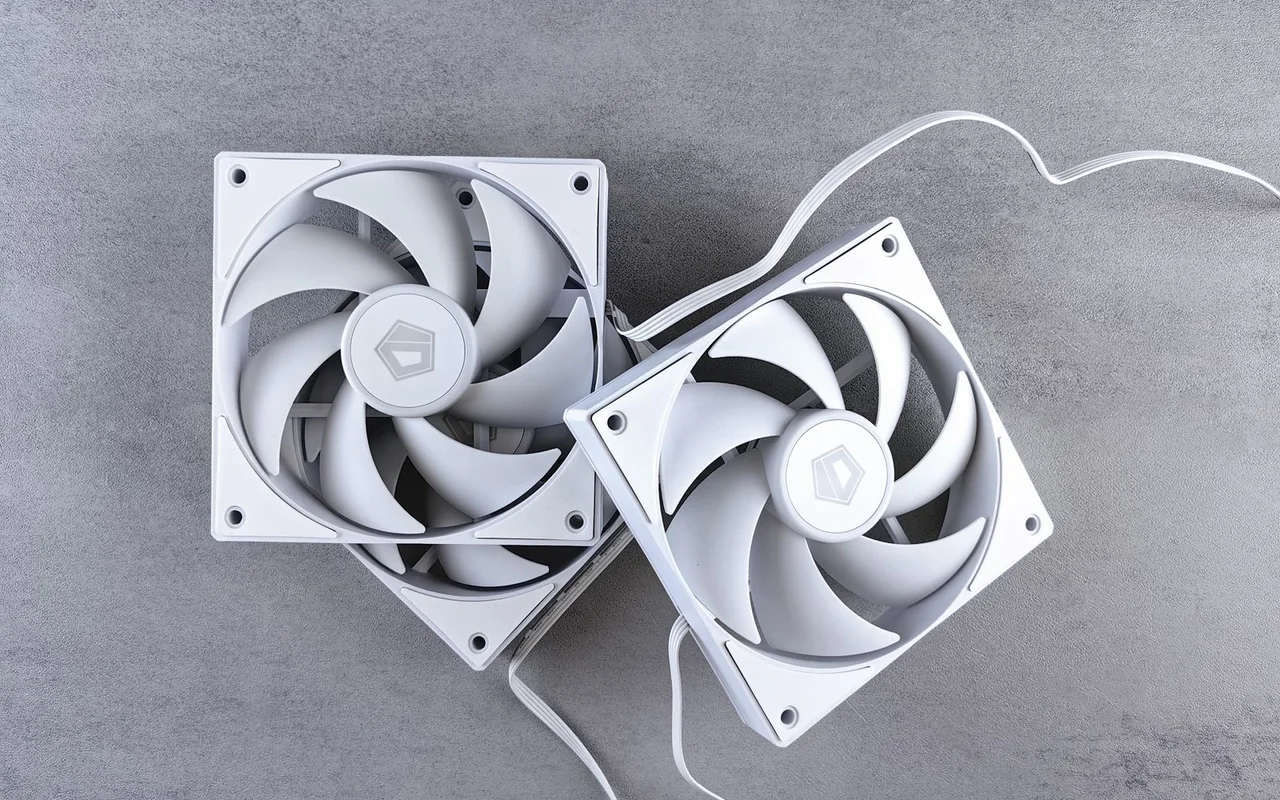
Find the Source of a Noisy Desktop Before Buying New Fans
Separate a cooling adjustment from a vibration, GPU fan or changing background workload.
The chips, screens, storage and accessories that shape a workstation.
Separate a cooling adjustment from a vibration, GPU fan or changing background workload.
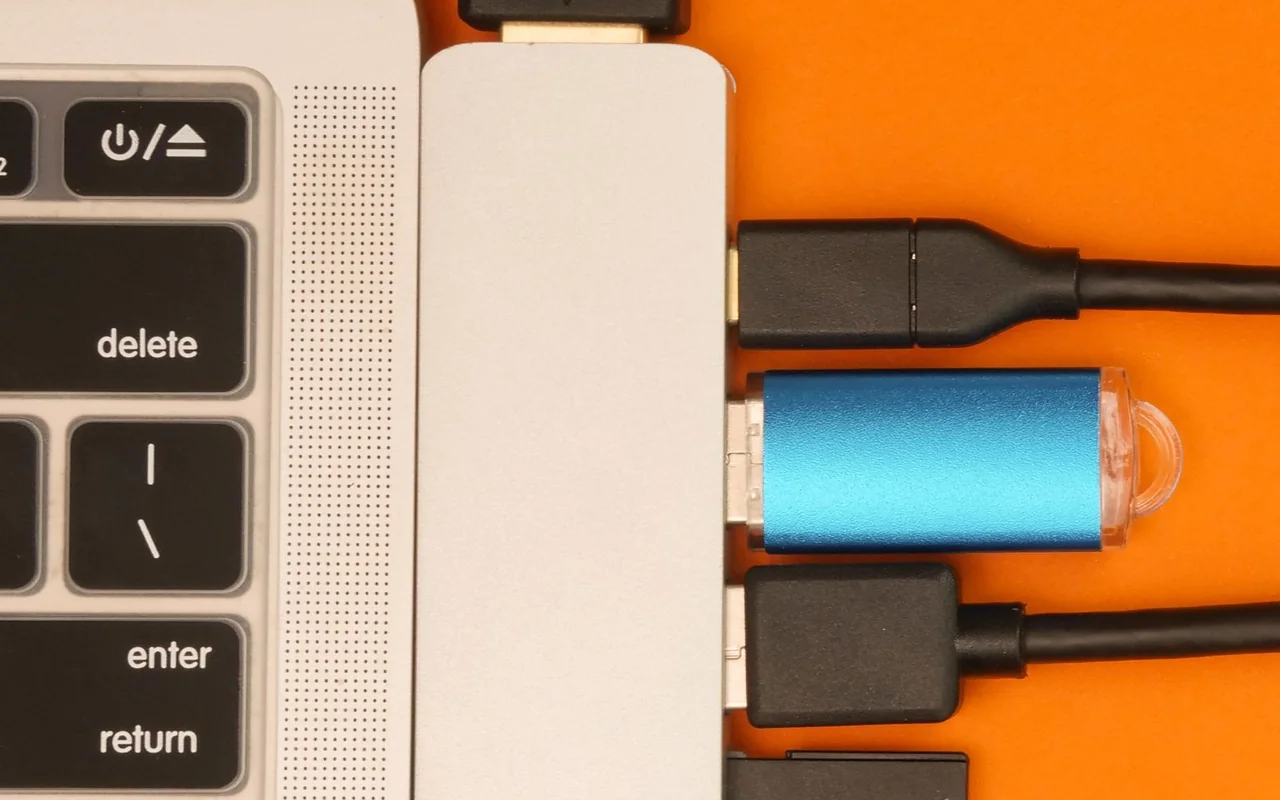
Trace the signal from laptop port through dock and cable to each display input.
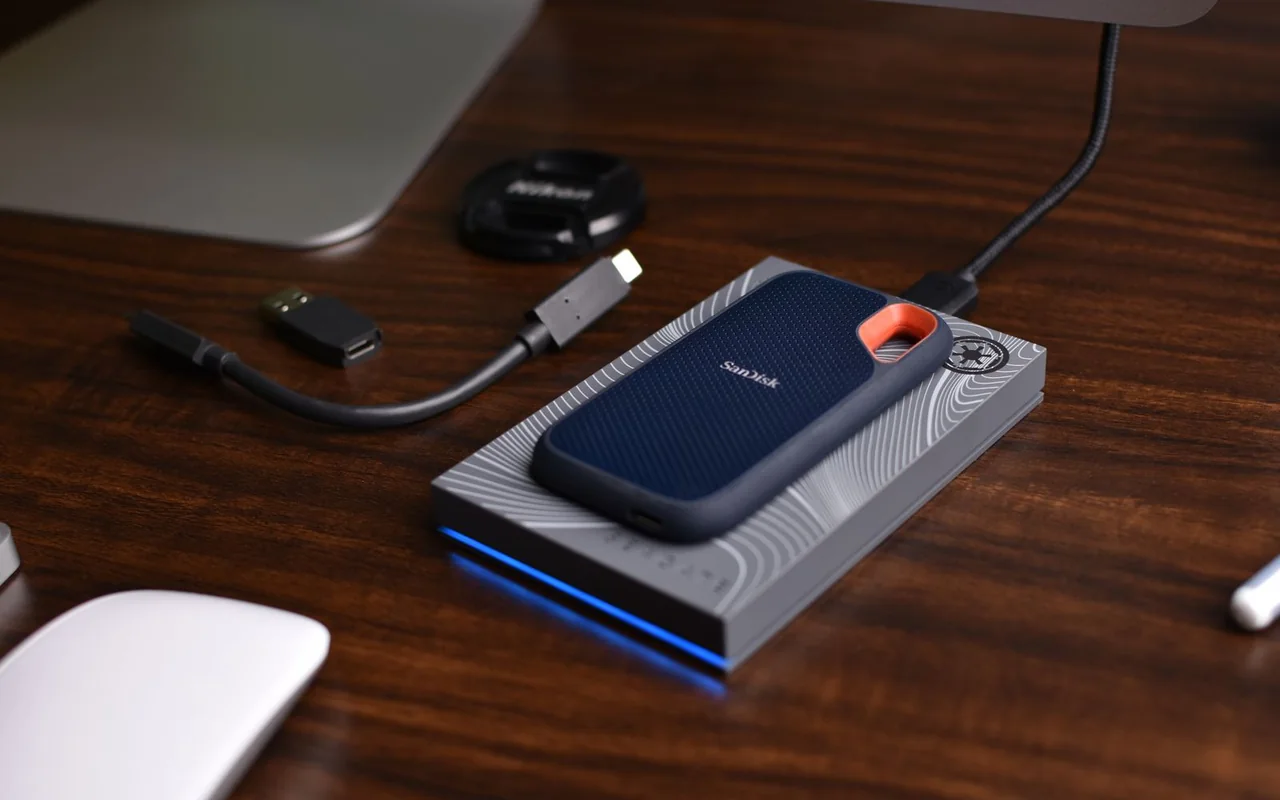
A sustained copy can show how cache, temperature, enclosure and host port shape usable speed.
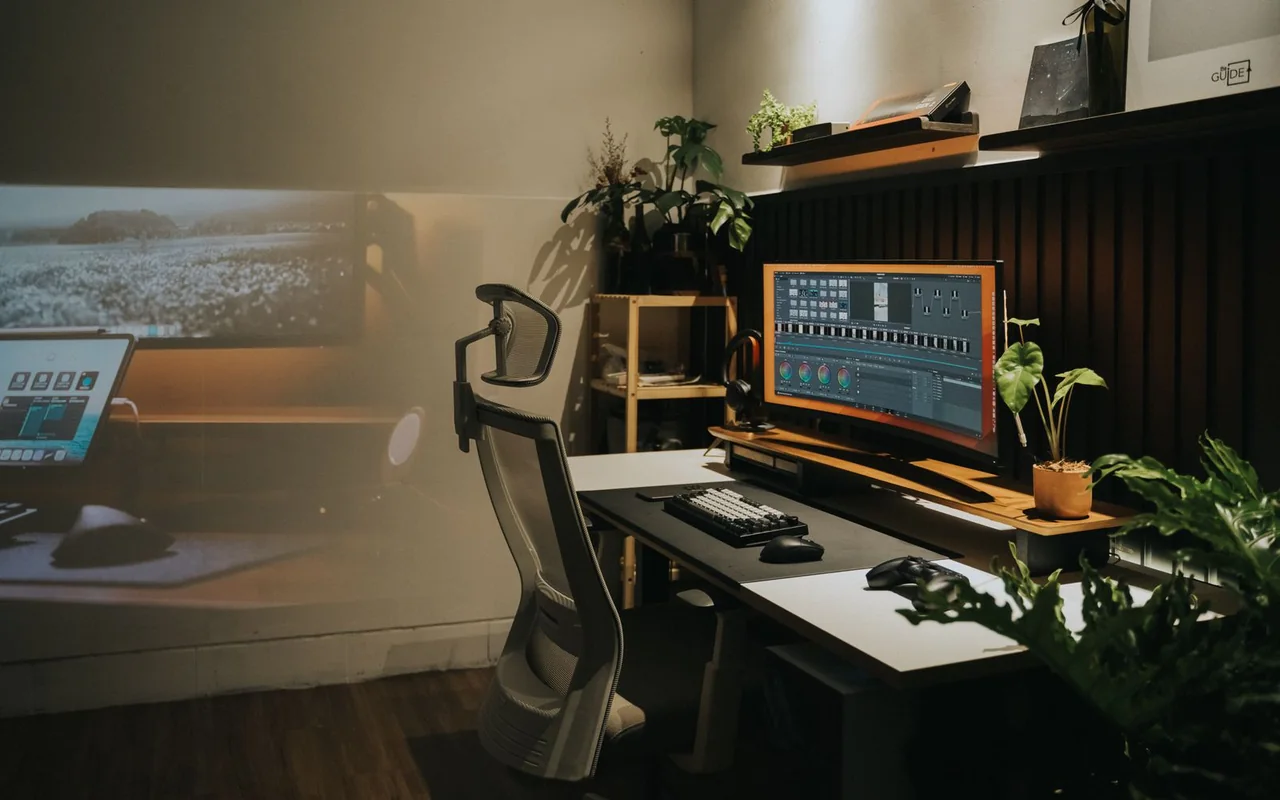
Use reflections, text and work position to tune a screen before changing its color settings.
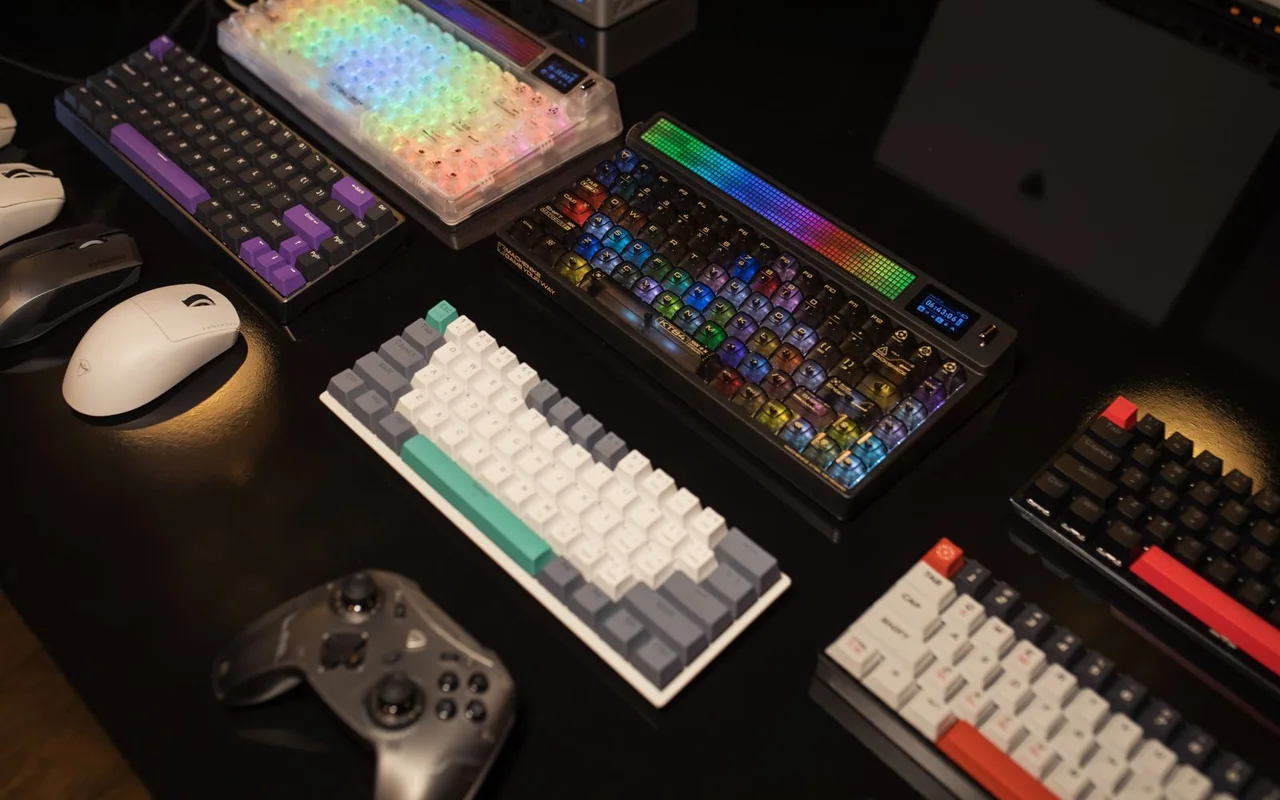
Build a short command inventory and place the actions that matter where your hands can reach them.
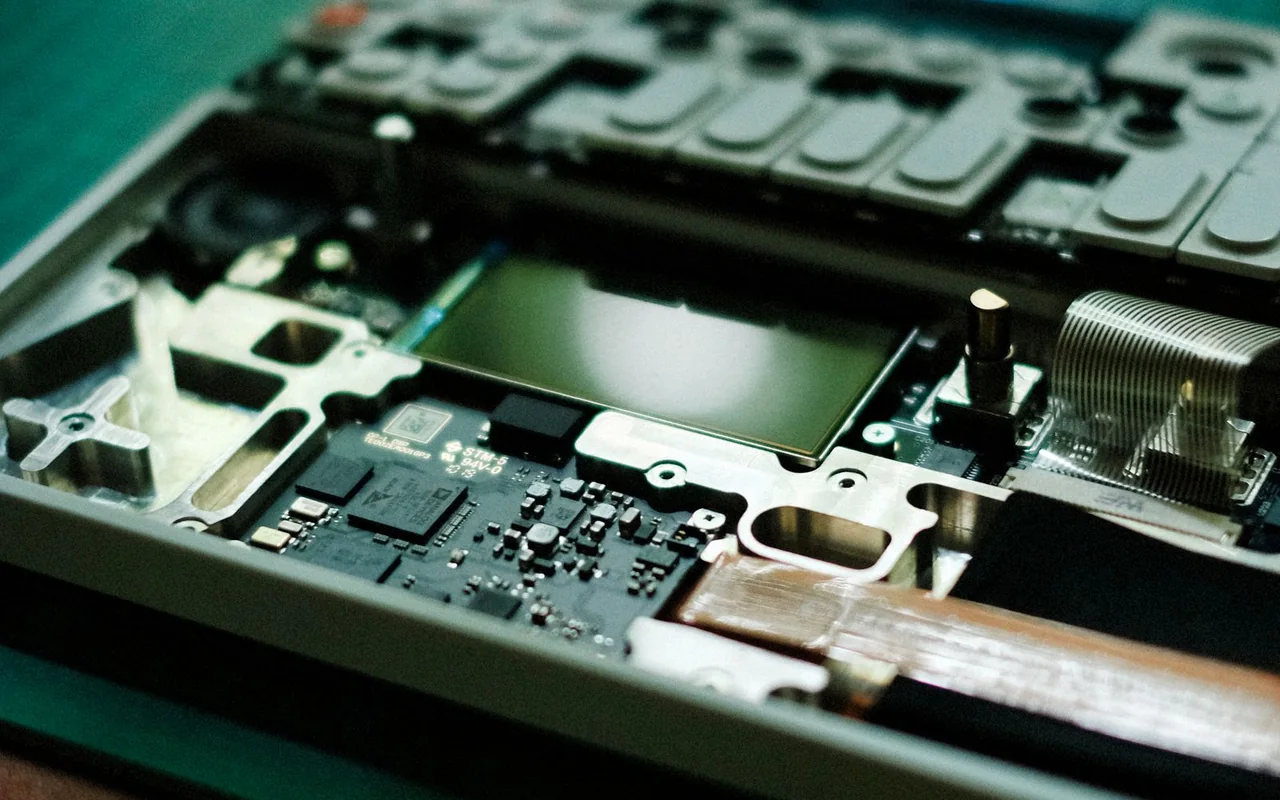
Check access, connectors, cooling and documentation before buying a small desktop you plan to keep.
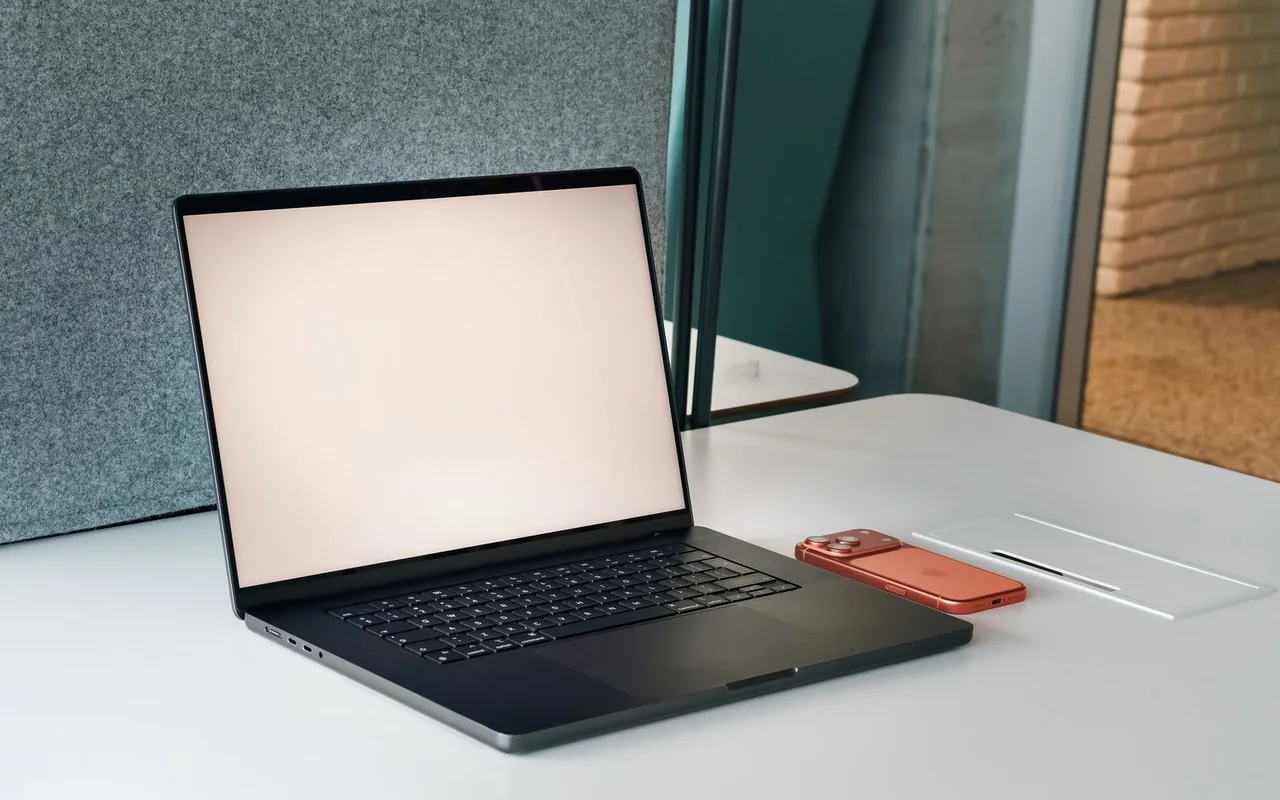
Choose a readable workspace by separating physical size, pixel density and application zoom.
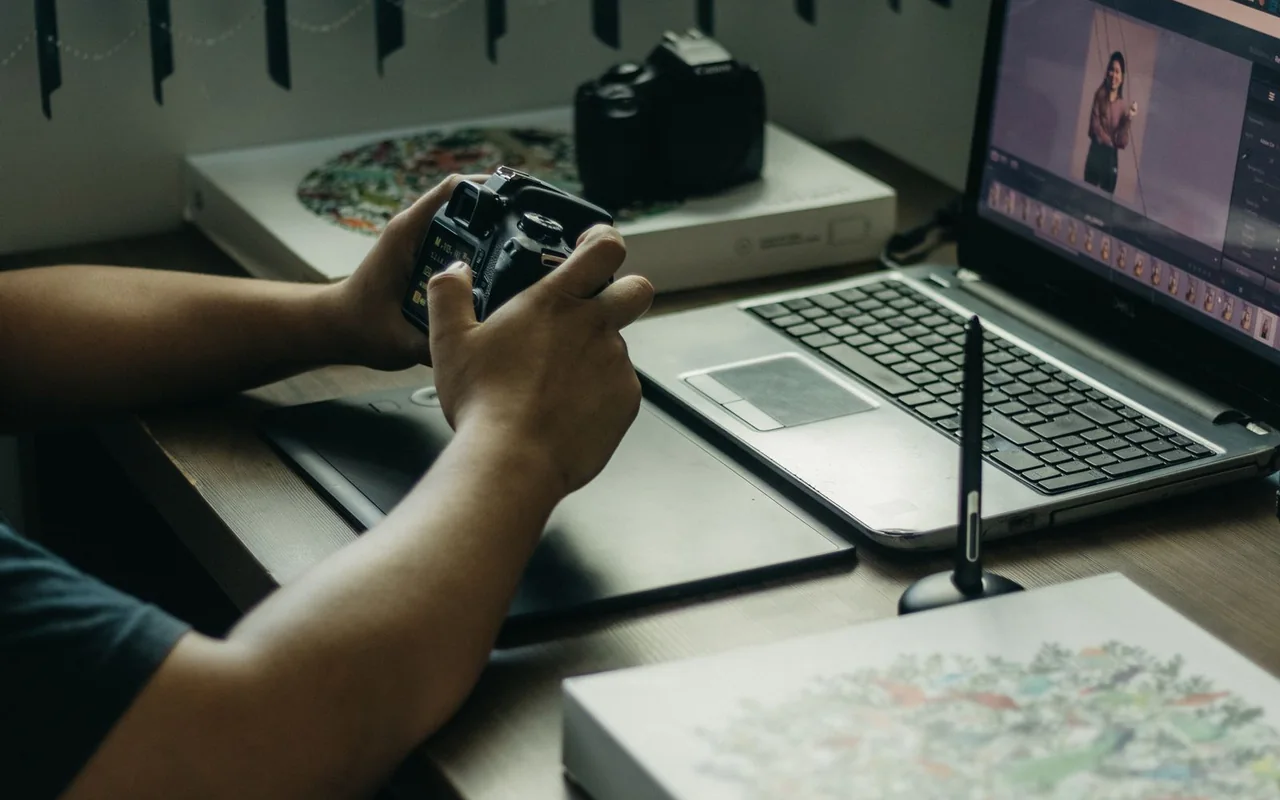
Link lighter editing copies to the originals while keeping timecode, audio and final output intact.